- What a restaurant POS should do
- Features that matter most
- VAT and invoicing in the UAE
- Dine-in, takeaway and delivery in one place
- Hardware and reliability
- Running more than one outlet
- Questions to ask any POS vendor
- Common mistakes when buying a restaurant POS
- What affects the cost
- How Netwave sets up your restaurant POS
A restaurant POS is more than a till. In a UAE restaurant or café it takes the order, sends it to the kitchen, issues the VAT invoice and shows you at closing time what actually sold. Choose badly and you get slow service, wrong bills and reports you cannot trust. This guide covers what to check before you buy.
What a restaurant POS should do
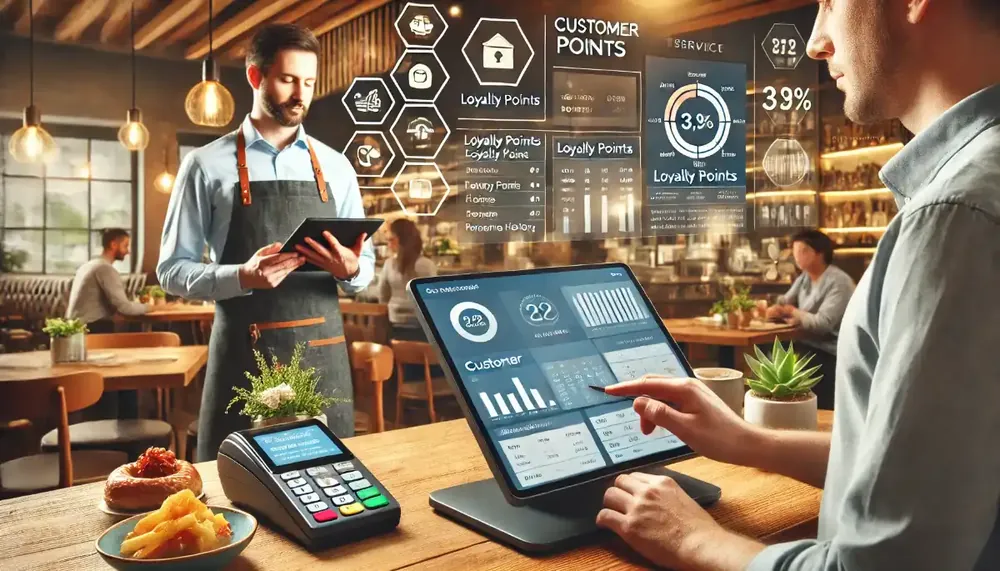
Start with the job, not the screen. A good restaurant POS should let your team:
- Take dine-in, takeaway and delivery orders on one screen
- Send each order to the kitchen or bar the moment it is placed
- Handle sizes, add-ons, combos and special requests without workarounds
- Split, merge and transfer bills at the table
- Print VAT-compliant invoices and take cash, card and mixed payments
- Show sales by item, category, staff member and payment type at the end of the day
If a system cannot do these six things smoothly, nothing else it offers will make up for it during a busy Friday lunch.
Features that matter most
Fast order entry
Staff turnover is a fact of life in hospitality. Pick a system a new waiter can learn in a single shift, with clear buttons, short menus and few taps per order.
Kitchen printing or a kitchen display
Handwritten tickets cause mistakes. Orders should reach the right station automatically: grill, fryer, bar or dessert. Ask whether the system supports separate kitchen printers or a kitchen display screen, and what happens when an order is changed after it was sent.
Menu and modifiers
Your menu will change: seasonal items, happy-hour prices, new combos. You should be able to edit items, sizes and add-ons yourself in minutes, not wait for the vendor.
Reports you will actually read
Look for daily sales, best and worst sellers, staff performance and payment summaries. Reports that need an export and a spreadsheet to understand are reports nobody opens.
VAT and invoicing in the UAE
The UAE has charged 5% VAT since 1 January 2018, and a VAT-registered restaurant must issue compliant tax invoices. For consumer sales, a simplified tax invoice can be used when the total, including VAT, is AED 10,000 or less; larger sales and business customers need a full tax invoice. Your POS should number invoices in sequence, show the VAT clearly and keep the records, because VAT records generally need to be kept for at least five years.
E-invoicing is also coming. The UAE Ministry of Finance has announced a phased rollout starting on 1 January 2027 for larger businesses and 1 July 2027 for the rest, mainly for business-to-business and business-to-government invoices. If you cater for companies or hotels, ask any vendor how they plan to support it.
Note: this is general information, not tax or legal advice. Check the current rules with the Federal Tax Authority (FTA) or your accountant.
Dine-in, takeaway and delivery in one place
Most UAE restaurants sell through the counter, the phone, WhatsApp and delivery apps at the same time. The risk is orders landing in different places and reaching the kitchen late. Ask how delivery orders are entered or received, whether they print in the kitchen like any other order, and which delivery platforms the vendor can connect to. Do not assume; ask for a demonstration with your own menu.
Hardware and reliability
A POS is only as good as the printer that fails at 8 pm. Check the whole set-up:
- Touchscreen terminal or tablet, sized for your counter
- Receipt printer, plus kitchen printers built for heat and grease
- Cash drawer, card machine and, if you need them, handheld tablets for waiters
- What happens during an internet outage, and whether you can keep taking orders
- Who supports the hardware and how quickly they respond
Running more than one outlet
If you have, or plan, several branches, choose software that manages the menu centrally, lets you change a price once for every outlet and gives you one combined report. Doing this later on a system that was built for a single shop is painful and expensive.
Questions to ask any POS vendor
- Can you demonstrate my real menu, with modifiers, on your system?
- How is VAT handled on invoices and reports, and how will e-invoicing be supported?
- What are the one-time and recurring costs, including support and updates?
- Which printers and card terminals work with the system?
- What happens if the internet goes down?
- Who trains my staff, and when?
- How fast is support, and is it available in the UAE during my opening hours?
- Can I export my data if I ever change systems?
Common mistakes when buying a restaurant POS
- Choosing on price alone. A cheap system that slows service or fails at peak hour costs more than a good one.
- Skipping a demo with your own menu. Combos, modifiers and sizes are where weak systems struggle.
- Ignoring training. Even a simple system fails if staff are not shown how to use it.
- Forgetting the kitchen. Orders that stop at the counter and are shouted through to the kitchen defeat the purpose.
- Buying for today only. If you may open a second outlet, choose software that can grow with you.
What affects the cost
Costs vary, so ask for an itemised written quote instead of a single figure. The main factors are the number of terminals and printers, whether you pay once or by subscription, how many outlets you run, extra modules such as a kitchen display or online ordering, and the level of support included. Compare like with like: a lower price that leaves out installation, training or support is not really lower.
Also count the cost of downtime. A restaurant that cannot print bills on a busy evening loses far more than the difference between two quotes.
How Netwave sets up your restaurant POS
Netwave installs and supports restaurant POS systems for restaurants, cafés, cloud kitchens, bakeries and multi-outlet brands across the UAE. Setup covers your menu, modifiers, taxes and printers, and your staff are trained before opening day, so the first service is not the first time they use the system. You can read more on our Restaurant POS page.
Running shifts across several outlets? Our guide to time and attendance software shows how to keep rosters and overtime under control, and our retail POS guide covers stock control if you also sell packaged goods.
Ready to see a restaurant POS set up with your own menu?
Tell us about your business and we will reply with a tailored quote.